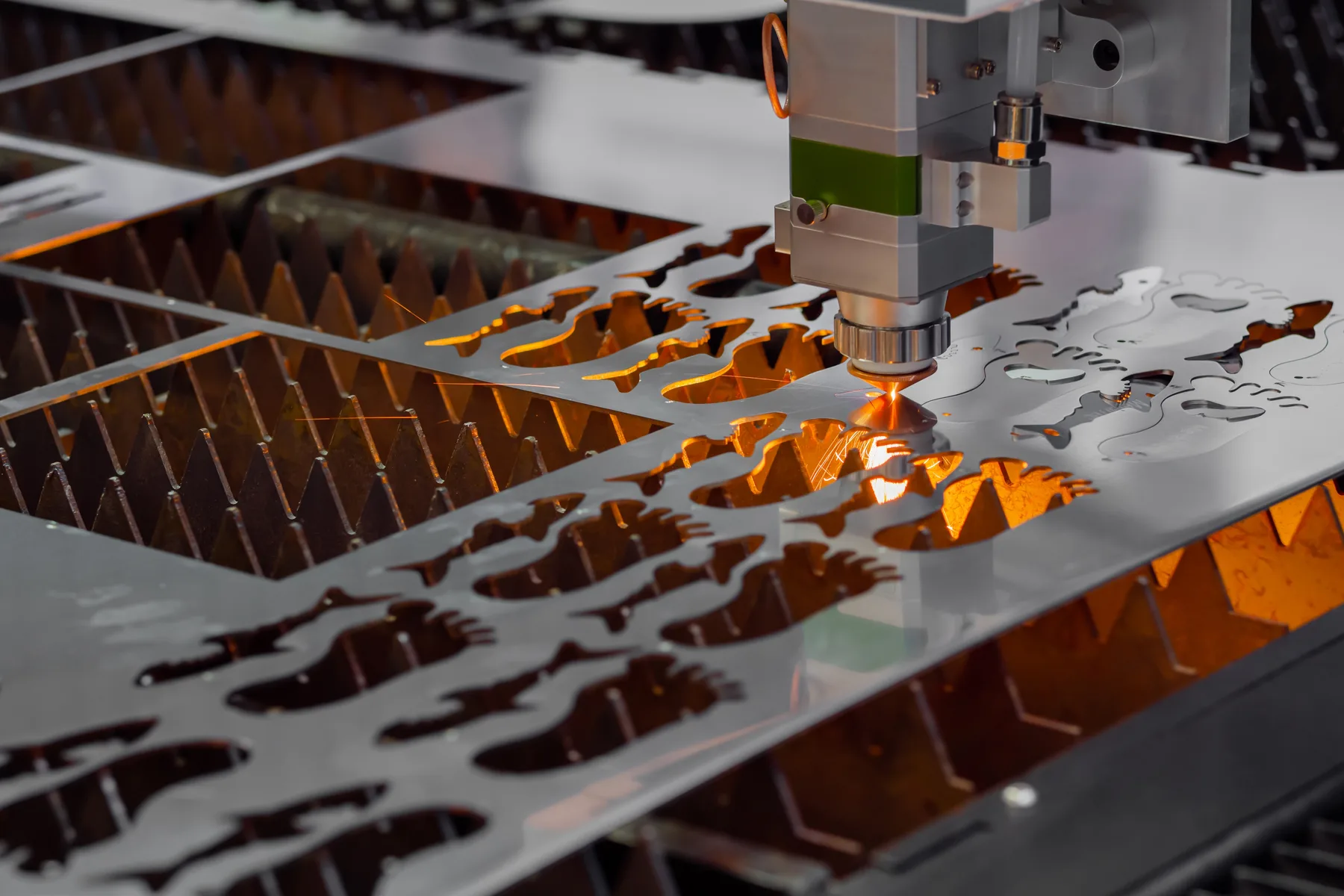
DXF and DWG files
Preferred CAD formats for clean production geometry and quote-ready cut paths.

CNC cutting file setup
A practical guide for setting up files for laser cutting, CNC router cutting and digital knife cutting, including scale, line types, closed paths, material notes and review triggers.
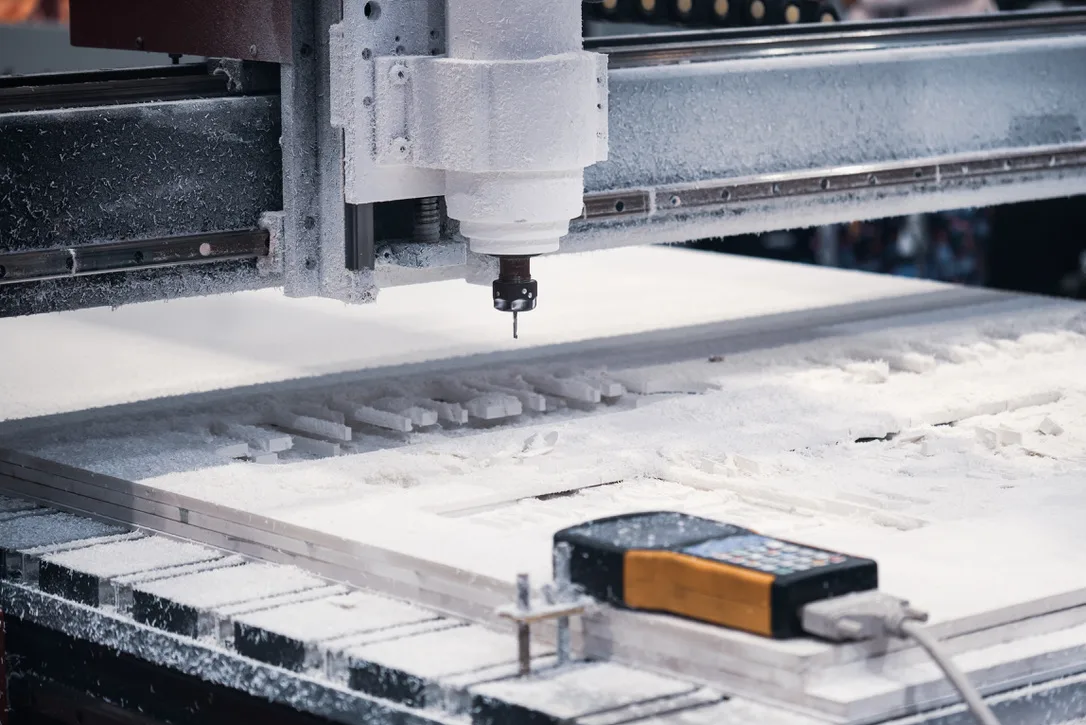
What we cut
A practical guide for setting up files for laser cutting, CNC router cutting and digital knife cutting, including scale, line types, closed paths, material notes and review triggers.
Start with the part, panel or material you need. Use fast online pricing when the file is cut-ready, or request review when the job needs production input before it can be accepted.
Preferred CAD formats for clean production geometry and quote-ready cut paths.
Useful for signage and display work when artwork is real vectors and text is outlined.
Accepted when the PDF contains real cut geometry, not a screenshot or scan.
CNC router jobs need profile, pocket, groove, drill and material-thickness notes.
Knife jobs need through-cut, kiss-cut, crease, score and perforation line definitions.
Sketches, photos, scans and unclear files should move through review or redraw.
Project gallery
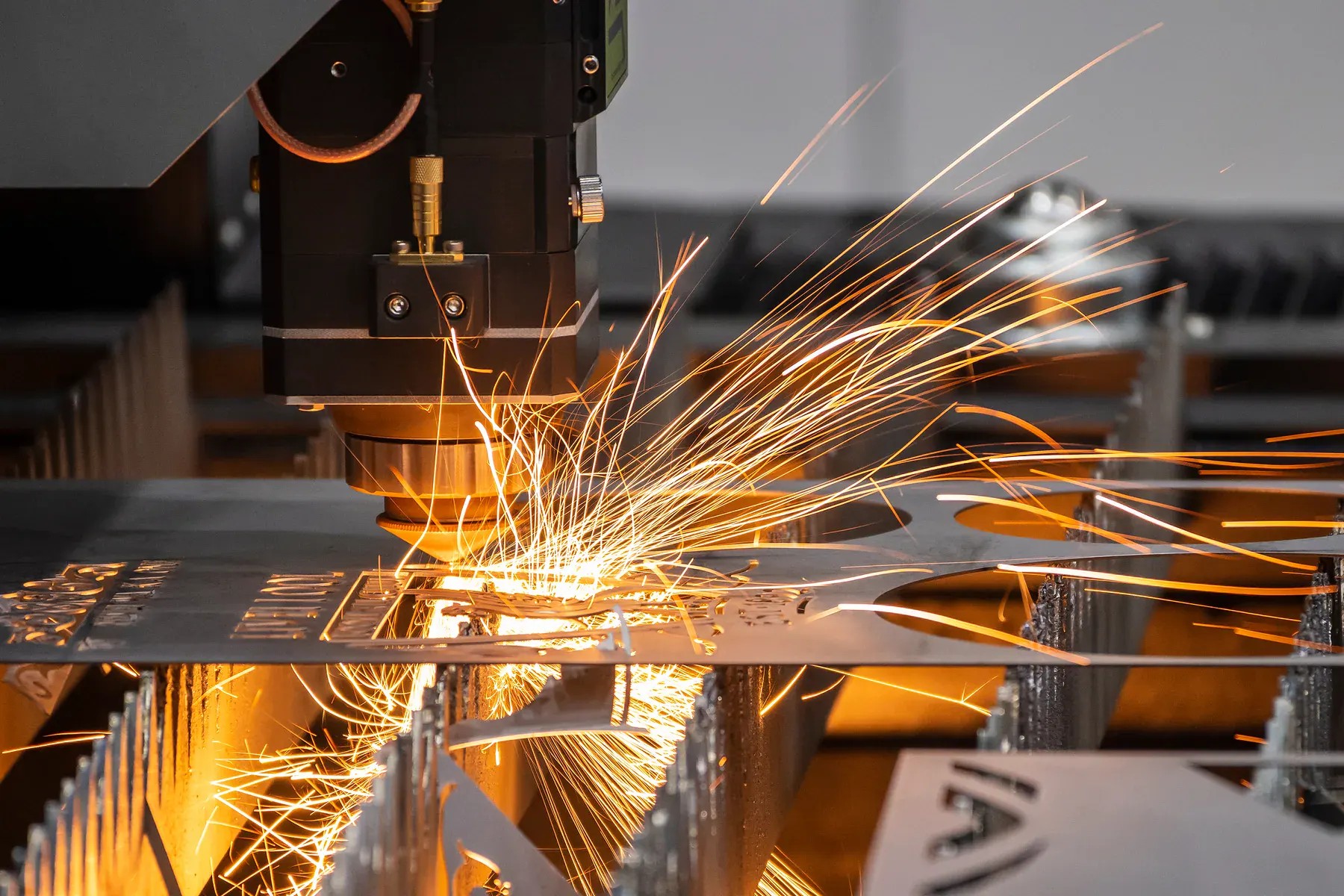
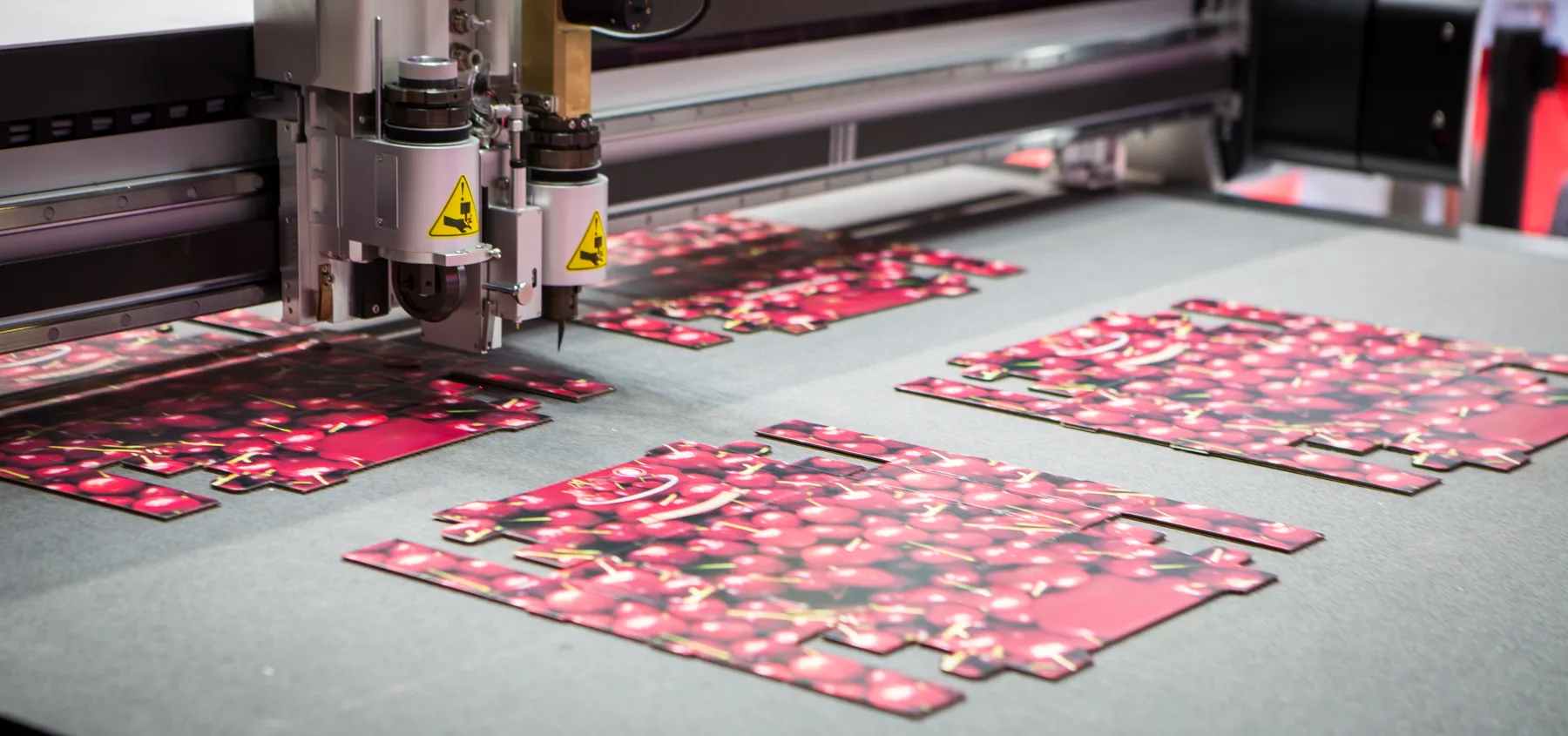
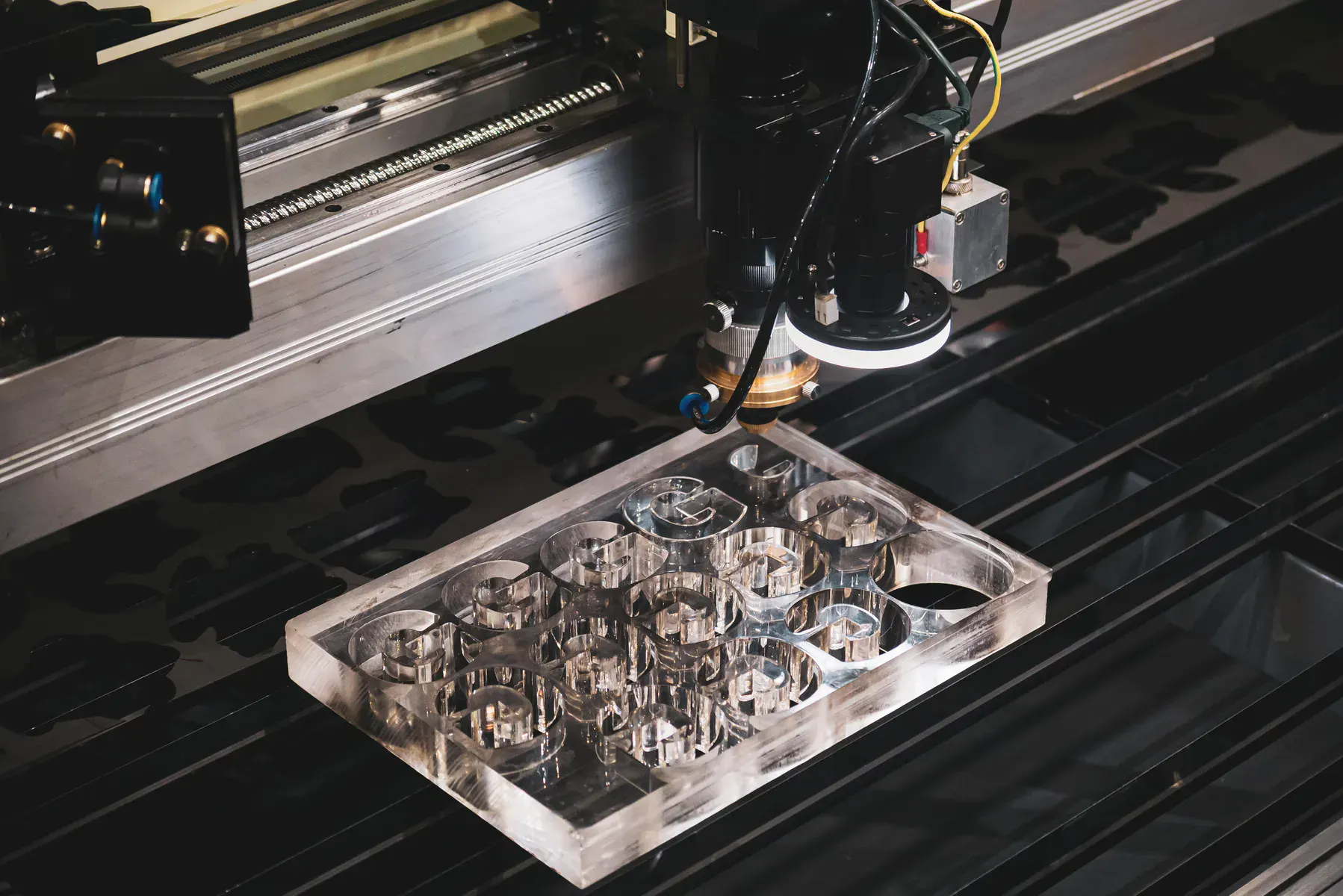
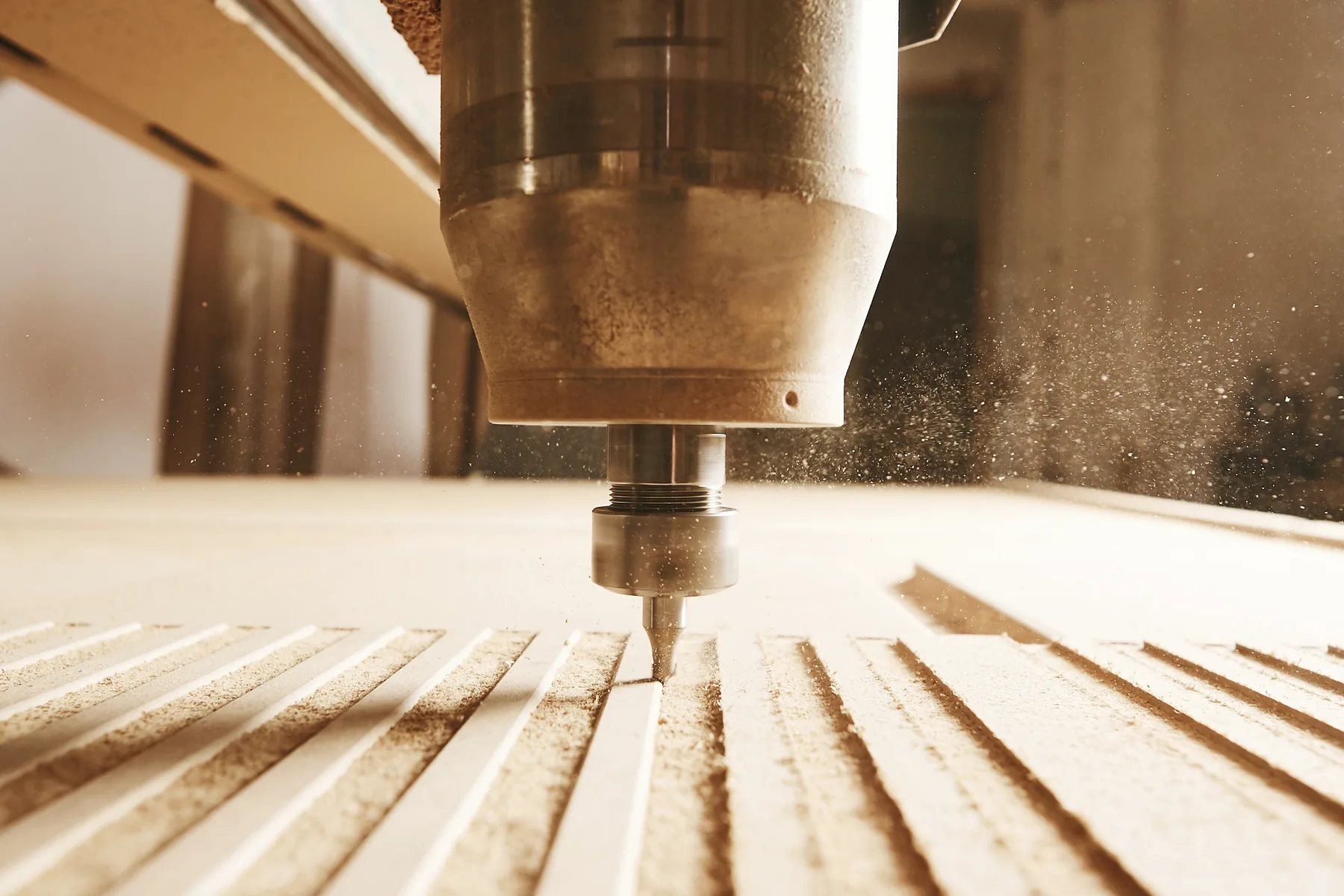
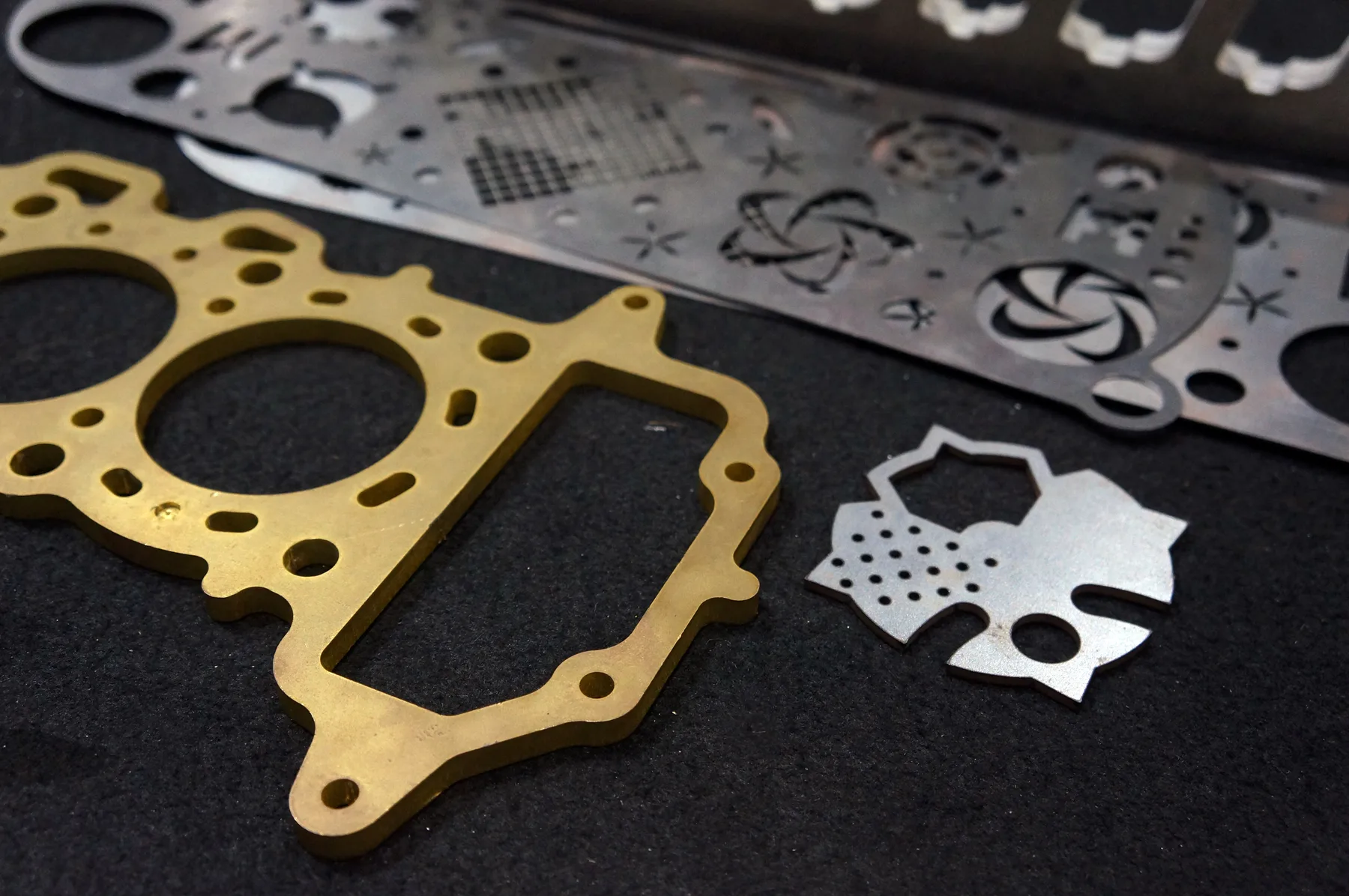
Relevant workshop, material and process photos showing the kind of cutting work we support.
Materials and production fit
The fastest quote is a clean file with known material and thickness. The safest quote is a reviewed job when finish, fit or production risk matters.
The cleanest quote path starts with real vector geometry.
Different processes need different operation notes.
Geometry alone is not enough for production.
Capabilities at a glance
Cross-process file setup for fiber laser, CO2 laser, CNC router and digital knife cutting.
DXF, DWG or vector PDF files with real cut paths at the correct scale.
CAD operators, designers, sign shops, engineers, fabricators, printers and trade buyers.
Suitable when files have real vectors, correct scale, clear material and simple operation types.
Best for sketches, scans, screenshots, mixed operations, supplied material, print registration or unclear scale.
Sydney production support from Botany NSW, with pickup or delivery for suitable Australian jobs.
Instant pricing
Use instant pricing after confirming scale, vectors, material, thickness, quantity and operation type.
Reviewed quote
Use reviewed quoting for screenshots, scans, AI files with live effects, print registration, supplied materials or mixed depth operations.
Cutting technologies
The best process is selected around material, thickness, finish, geometry and whether the file is ready for instant pricing.
Technical guidance
Australian production should be set up in millimetres and drawn at real finished size.
Remove duplicates, open contours, stray points, hidden objects, clipping masks and construction lines before quoting.
Do not mix cut, score, crease, engrave, pocket and V-groove lines without clear layer names or notes.
JPG, PNG, screenshots and scanned PDFs are review inputs, not instant quote production files.
Related services and materials
Use these pages to compare the relevant process, material, location or application details.
Common questions
DXF and DWG are usually best for production geometry. AI and vector PDF can work when they contain real vectors.
Yes. Use millimetres and draw at real finished size.
A screenshot can be reviewed, but it is not a cut-ready instant quote file.
Separate operation types using clear layers, colours or notes so production does not guess.
Quote-ready files
Use instant pricing for clean cutting files, or send complex jobs through reviewed quoting when production decisions matter.